 honeygram
An ordinary day.
A closer look.
A practical lifestyle photography session: choose something you actually do, prepare a comfortable place and photograph the activity as it unfolds.
Join the iOS betaFor iOS through TestFlight.
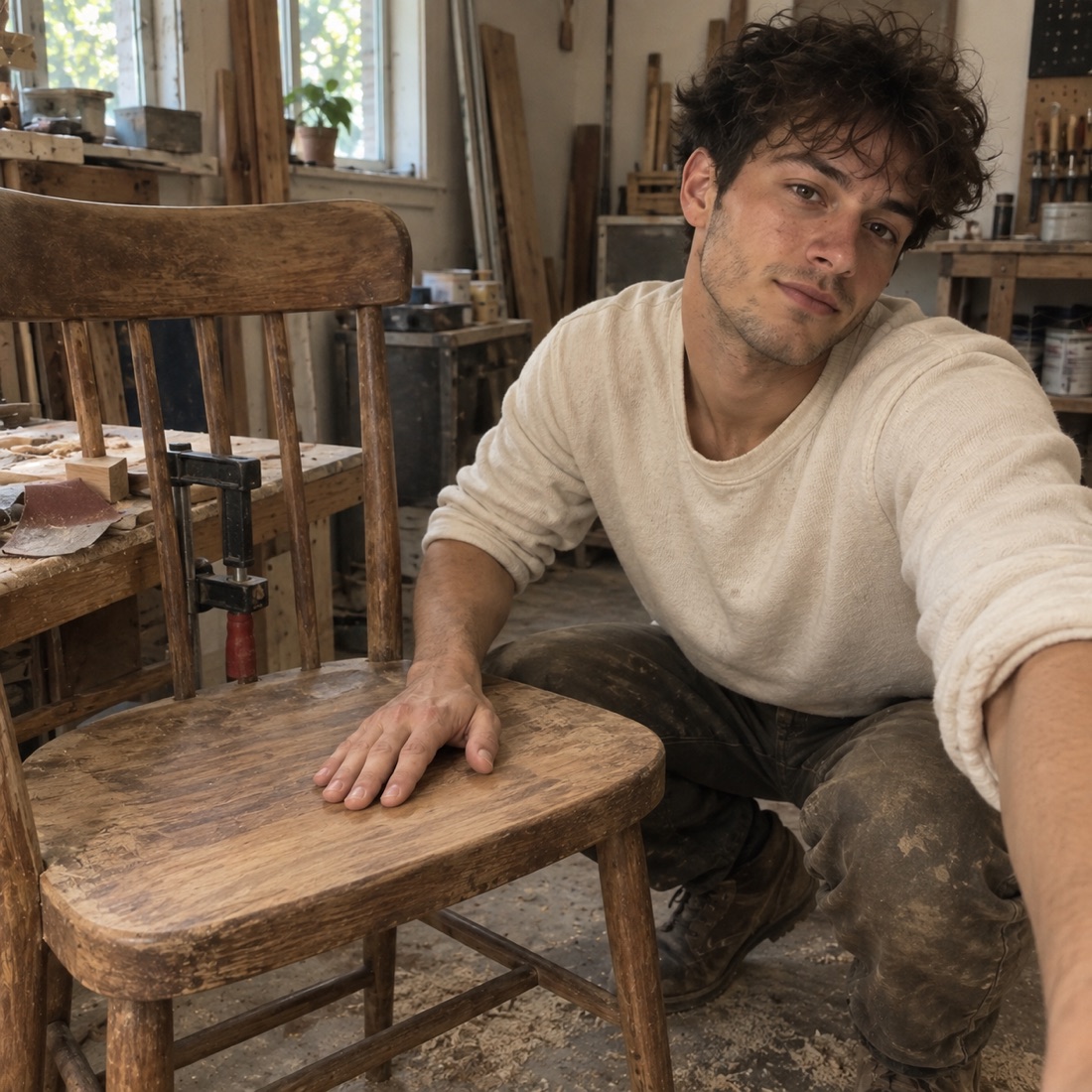
What is lifestyle photography?
Lifestyle photography shows people doing things in a setting that helps explain their lives. The activity may be real while the light, location or timing is planned. A natural-looking picture does not have to be an unplanned picture.
Adobe’s introduction to lifestyle photography describes this blend of ordinary activity and deliberate direction. Here, the task is a small personal session with a camera you already use, rather than a commercial portfolio or a photographer-booking service.
A still life studies objects; a self-portrait centers your appearance or presence. This exercise centers an activity in progress: what someone does, how the space supports it and which detail makes that particular moment recognizable. You can photograph your own hands or work with someone who wants to take part.
Plan the activity, then leave room for it
- Choose an action with a beginning and a stopping point. Repot one plant, repair a loose button or prepare a desk for drawing. Choose something familiar enough that taking a picture will not interrupt a difficult task.
- Agree on what is comfortable to show. If someone joins you, discuss the activity and where the pictures might be shared. A face does not have to appear. For a solo session, a steady camera position can leave your hands free for the action.
- Try the light before starting. Make one test frame in the place you intend to use. Check that the activity is visible and that a bright window is not hiding the detail you care about. Move the camera or change the time if that is simpler than changing the whole room.
- Remove only what gets in the way. Keep the objects that explain the activity. If you move tools or repeat an action for the photograph, remember that choice for the caption.
- Make a few frames at useful pauses. Look for the moment before contact, the action itself and a sign of progress. Let the task set the pace rather than asking for a new pose after every movement.
- Choose the frame that explains the action. Look for a readable gesture, enough setting to understand it and one particular detail. Keep a slightly untidy frame if that detail is what makes it meaningful.
Three original session plans
- Repotting a plant. Setting: a pot, a little soil and your hands on a washable surface. Action: loosening the root ball or settling it into the new pot. Specific detail: the old pot sitting beside its larger replacement. Useful pause: before adding the final layer of soil. Caption context: whether you paused or repeated the action for the camera.
- Mending a pocket. Setting: the garment, thread and a well-lit work surface. Action: drawing the thread through the fabric. Specific detail: a visible repair line beside the original seam. Useful pause: with the fabric resting and the repair easy to see. Caption context: the reason you chose to keep the garment.
- Setting up to draw. Setting: a page, the chair and the tools you actually use. Action: sharpening a pencil or making the first mark. Specific detail: the scrap sheet you use to test a line. Useful pause: just after the first mark. Caption context: whether this is a regular routine or a session you arranged today.
These are invented plans, not photographs produced for this guide or accounts from honeygram users. Pick one action, not all three sessions.
A worked edit: the plant session
Imagine three possible frames: a tidy pot with no action, a very close hand that hides the plant, and a wider view of hands lowering the root ball beside the old pot. The third explains both the activity and the change. The first might work as a still life; the second might keep a texture. Your purpose decides which one to keep.
If the old pot disappears behind your wrist, wait for another natural pause or shift the camera slightly. You do not need to manufacture a dramatic expression. A caption for the imagined session could be: “A larger pot today. I paused halfway through so I could keep this part of the change.”
Check the story you are telling
- What actually happened? Name the activity without adding a feeling you cannot know.
- What did you arrange? Note a repeated gesture, moved object or planned setting when that affects how the picture might be understood.
- What belongs outside the post? Crop or choose another frame if a document, address or someone else’s personal detail is visible.
- What makes the moment specific? Keep the old pot, repair line or first pencil mark if it explains why this picture matters to you.
For an observational record, describe a reconstruction as a reconstruction. For a personal creative session, it is fine to plan the image and say so. A natural style is not proof that nothing was directed.
Give the activity a line of context
Try a short caption with the action + one detail outside the frame. “Mending this pocket because the rest of the jacket still works” says more than “productive afternoon.” Your own words can explain a reason that the image cannot show.
In honeygram, a photo and caption can begin an exchange with AI comments and your replies. You are the only human in your world. The session happens with your own camera; honeygram is not a booking service, camera controller or automatic photo editor.
A few things to know
Does lifestyle photography have to be completely candid?
No. The setting, light or activity can be planned. Be clear about a repeated or arranged moment when that changes how someone might understand the picture.
Can I try a lifestyle session on my own?
Yes. Choose a familiar action and a comfortable camera position. Your hands and the activity can be enough; a face or another participant is optional.
How is this different from a photo essay?
This guide helps you prepare and photograph one activity. A photo essay organizes several images into a larger sequence with a beginning, development and ending.